Move In Guide
Are You Ready to Move On Campus?
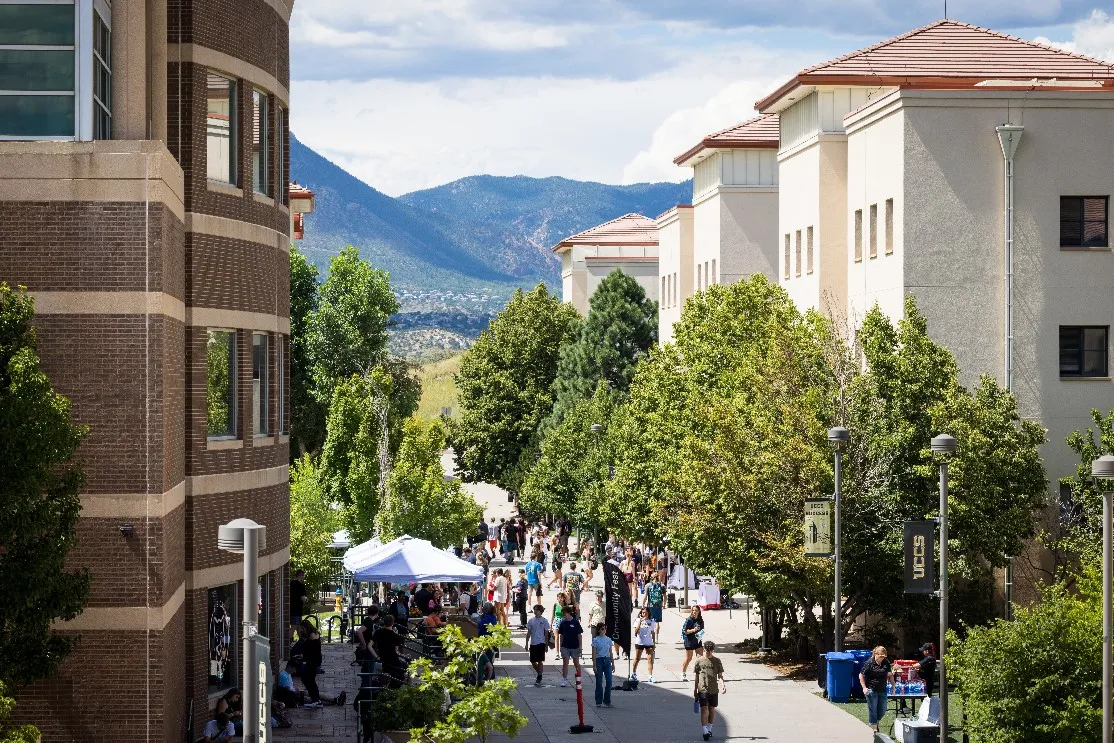
We’ve put together some helpful information to make your move to UCCS as smooth as possible. Keep an eye on your UCCS email for important housing updates and campus announcements. You can also log into the Housing Portal anytime to view your room assignment, roommate details, and other housing info.
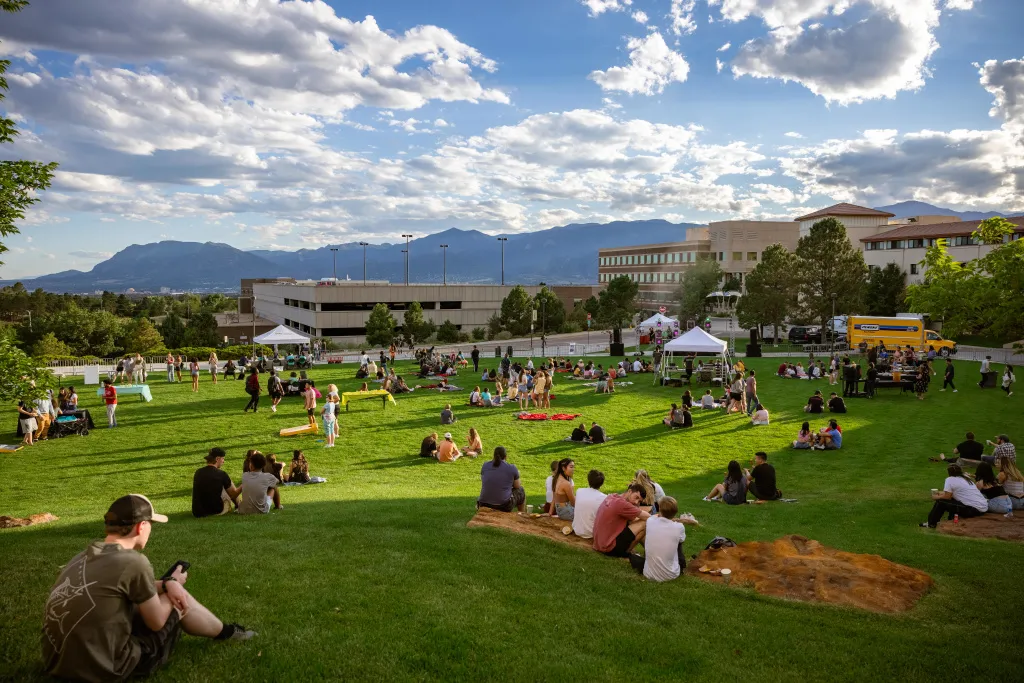
Don’t forget to check out Clyde's Kickoff - seven days of programming dedicated solely to first-year students, including freshmen, international students, transfer students, and graduate students. These events will introduce you to our beautiful campus, various campus resources, opportunities available at UCCS, and of course, you will meet other new students.
Preparing For Move-In
- Move-in appointments: assigned move-in appointment times will be sent out the week of July 6th to your UCCS email
- Keep an eye on your UCCS email for updates on move-in and campus information. You will receive an email with instructions on where to park and the move-in process.
- Set up your Lion OneCard mobile ID before arriving at UCCS. Lion OneCards give you access to your buildings and meal plan.
- Download the UCCS Safe App, UCCS Mobile App, and Mobile Ordering App.
- Review what we recommend bringing and what to avoid packing.
- Read through the code of conduct and handbook, so you're familiar with housing policies.
- Bringing a car? A parking pass for the Alpine Garage is included with all on-campus housing. To avoid being ticketed, you must register your vehicle by August 24th - the first day of classes.
- Save these important links:
- Shuttle bus tracker
- Find campus events on Mountain Lion Connect
- Dining locations and hours
Your Mobile Lion OneCard: Convenient Access Across Campus
Your Mobile Lion OneCard gives you seamless access to everything you need at UCCS - all from your iPhone, Apple Watch, or Android device. Use it to enter your residence hall and campus buildings, access your meal plan, print with PawPrints, and make purchases using Clyde’s Cash. It’s your all-in-one campus ID, right in your pocket.
At UCCS, we are a mobile-first campus; however, you can request a physical ID in lieu of a mobile ID by emailing lionone@uccs.edu.

Where are You Living and Who is Your Roommate?
Stay up to date by logging into your Housing Portal to view your room assignment, check your roommate(s) information.
Download Nearpeer - a great option to connect with your roommate and find other UCCS students with common interests.
We do our best to use the roommate matching survey to pair you with a suitable roommate and/or suitemate(s). We recommend exploring campus and attending events together to help each other adjust to living on campus.

Before Move-in
Before move-in, it’s a great idea to connect with your roommate and talk through a few shared living details:
Interested in buying a mini-fridge or microwave together?
What shared items are you planning to bring and who’s bringing what? Think TV, Keurig, or other essentials.
We also recommend creating a roommate agreement to set expectations.
Potential topics for a roommate agreement:
- having guests over and overnight guests
- cleaning of common areas
- cleanliness within shared bedrooms
- temperature preferences
- noise levels
Having these conversations early can help make move-in smoother and your space more comfortable from day one.
If there is any conflict in your room, you can reach out to your RA for roommate mediation or to the Housing office to inquire about a room change.
Early Arrivals
We can offer the ability to arrive early to campus on a limited basis at an additional cost.
We can accommodate early arrivals up to 3 days prior to the first official day of move-in for a cost of $40 per day (up to 3 days), or $125 (4 days to 1 week). We do not offer free early arrival for any student population, but some campus departments will offer to pay for students they require to return to campus early.
Please speak with a representative such as your coach, supervisor, instructor, etc., from your campus department before submitting an early arrival request if you believe they are paying on your behalf.
Moving In
Summit and Alpine Villages: Monday August 17th and Tuesday August 18th 9am-3pm
Alpine Apartments: Friday August 21st through Sunday August 23rd 10am-4pm
When You Arrive on Campus
Check-In Locations
Once you've parked, head to the appropriate check-in spot based on your arrival day:
Dates and Locations for 2026
- Approved Early Arrivals
- On or before August 14 check in at Alpine Village Desk Only.
- August 15-16 check in at your village desk.
- August 17th and 18th 9am-2pm check in at the Ent Center
- after 2pm: head to your village desk
- After August 18th: check in at your village desk.
Village Desk Locations
- Alpine Village (Cucharas, La Plata, San Juan, Antero, Crestone, Shavano) - La Plata House
- Summit Village (Breckenridge, Copper, Eldora, Keystone, Monarch, Steamboat, Vail) - Monarch House
Pro-tip: Check will go faster if you set-up your mobile id (Lion OneCard), submit your immunizations, and review your meal plan.
Bringing a Trailer or U-Haul?
Please do not bring trailers into parking garages as they won’t fit.
At Check-In
To help keep lines moving smoothly, we ask that only the student stand in line for their housing check-in.
Keys will only be issued to the student for security reasons.
Temporary Parking for Unloading
You’ll receive a temporary parking slip at check-in, allowing you to park near your building for 30 minutes while unloading.
Please:
- Display the slip on your dashboard
- Provide a phone number in case we need to contact you
- Move your vehicle to long-term parking in the parking garages once you’re done unloading
Unloading Parking:
- Summit Pedestrian Spine: Copper, Eldora, Vail, Steamboat
- Summit Mountain Lion Way: Breckenridge, Keystone, Monarch
- Behind Roaring Fork Dining Hall: San Juan
Alpine Pedestrian Spine: La Plata, Cucharas, Antero, Shavano, Crestone
After You Receive Your Keys
We appreciate your patience with lines and elevator wait times as everyone settles in, and we’re excited to welcome you to mountain lion country!
Where to Park Once You've Unloaded:
- Summit Village: Gateway Garage (7'2 clearance) – Located on Regent Circle
- Alpine Village and Alpine Apartments: Alpine Garage (8'2 clearance) - Located on Clyde's Way
- All vehicles must be registered and moved to Alpine Garage by 8 am on August 24.
Parking is free during move-in!
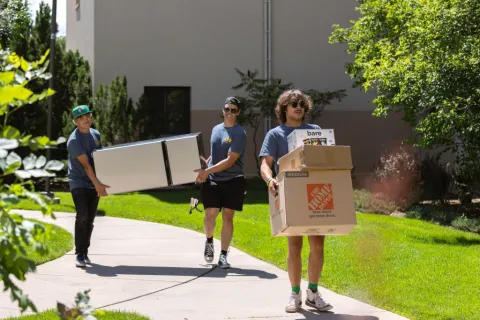
Grab a moving cart for your belongings!
Carts are available at no cost. They'll be within unloading zones in the villages August 17th and 18th. Outside of those dates, they can be checked out at your village desk.
Fill out a Room Condition Report (RCR) before you unpack!
- Log into your StarRez housing portal for the report.
- Make sure to accurately report the condition of your room, so you're not charged for imperfections you didn't cause upon move-out
Late Arrivals
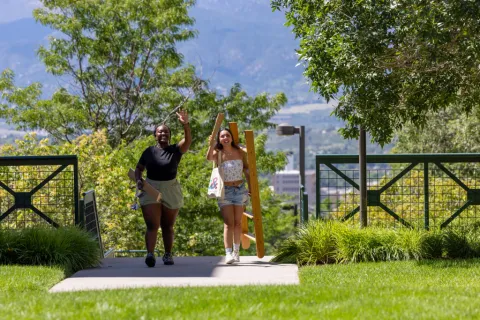
If for any reason you cannot check in during your assigned appointment time, please email housing@uccs.edu to let us know.
Getting to Know Your Community
Welcome to Colorado Springs and UCCS!
At UCCS, you’ll find more than just a place to study you’ll find connection, opportunity, and the space to grow into the best version of yourself. We’re so glad you’re here. Welcome to Mountain Lion Country.
As you get settled, we encourage you to explore everything Colorado Springs has to offer from scenic hikes at Garden of the Gods and stunning views from Pikes Peak, to local coffee shops, trails, and festivals that make this city so special. There’s adventure waiting just beyond campus, and we hope you take time to discover it all.
Colorado Springs Community
- Explore your new town of Colorado Springs
UCCS Community
- Explore campus and find out where all your classrooms are.
- Explore our student clubs.
Resident Assistants (RAs)
There is an RA on each residence hall floor and one Senior RA per each apartment building. RAs are UCCS students who have completed at least one semester. While RAs are present to ensure housing policies are upheld, they're also a great resource right on your floor. Please don't hesitate to reach out to your RA if you're missing your dog (and maybe your parents), struggling in a class, or if you have news to celebrate! Upon move-in, RAs will share information for a GroupMe for everyone to join or other ways to connect with them and your floormates. Your RA's room will be easily identifiable on the floor.
RAs share on-call responsibilities 5pm-8am weekdays, weekends, and holidays. There is always an RA on call for lockouts, maintenance issues, emergencies, and more.
Resident Directors (RDs)
There are three RDs - one for each housing area - who live on campus. RDs supervise the RAs, spearhead programming throughout the villages, and act as conduct officers when housing policies aren't adhered to within the residence halls. Not sure who your RD is? Check out our staff page!
Front Desk Assistants (FDAs)
FDAs work the village desks - La Plata for Alpine Village and Alpine Apartments and Monarch for Summit Village. In addition to being a great resource for information about living on campus, FDAs also check out resources such as vacuums to residents and process all the mail and packages for the residence halls.
Mail Assistants (MAs)
MAs work in the mailrooms for both villages - located in La Plata for Alpine Village and the Alpine Apartments and Monarch for Summit Village. They process deliveries from the Mailing Services office, sort letter mail into mailboxes, and ensure packages are safely stored until you're able to pick them up.
Housing Tips
Wifi
- Select UCCS-Wireless
- Login with your UCCS credentials
- Visitors can use UCCS-Guest
- There are ethernet ports for any devices that may not connect easily to the Wifi such as gaming systems
Work requests
Something not right in your room? Submit a work request. Make sure to select "Residence Life and Housing" as the repair center.
Laundry
Laundry at UCCS is included in the cost of housing! No coins or swipe cards needed - just your detergent, dryer sheets, and any other laundry accessories you enjoy. Laundry rooms are located on the first floor of Keystone in Summit Village and La Plata and Crestone in the Village at Alpine Valley.
You can purchase laundry detergent through the Campus Store.
Village Desks
The village desk for Summit Village is located on the first floor of Monarch and the village desk for Alpine Village and the Alpine Apartments is located on the first floor of La Plata. You can find the following at the village desks:
- Knowledgeable Front Desk Assistants
- Cleaning supplies in the form of brooms, vacuums, and mops
- Emergency plungers
- Carts to get large and/or heavy items to your room
Mail and packages
All mail and packages for the UCCS campus first arrive at Mailing Services in the Campus Services Building. It then takes 1-2 business days for items to be delivered to the appropriate housing village. You'll receive an email from Residence Life and Housing when your package has been processed at the residence hall front desk and is ready to be picked up. Emails aren't sent out about items placed directly in the mailboxes.
Letter mail and small enough packages will be placed directly in your assigned mailbox. Mailboxes are located in the Monarch and La Plata lobbies. You received your mailbox key with your room key at check-in. If you live in Summit Village and didn't receive a key, you've been assigned a combination locker mailbox. Your mailbox number was emailed to you but can also be found by reaching out to the Residence Life and Housing office or by asking the front desk.
Packages are logged and stored at the residence hall front desks. You'll be asked to show your LionOne mobile ID to pick up any packages logged under your name.
For issues with your mail or packages, please email us at housing@uccs.edu.
Safety
All residence halls and apartments have mobile ID swipes at each entrance. The first floors of La Plata and Cucharas are unlocked during the day for access to the Housing offices and classrooms. Residents must swipe into the elevator or stairs to access their floor.
There are cameras in the lobbies and elevators that are monitored by the UCCS Police Department for the safety of our residents.